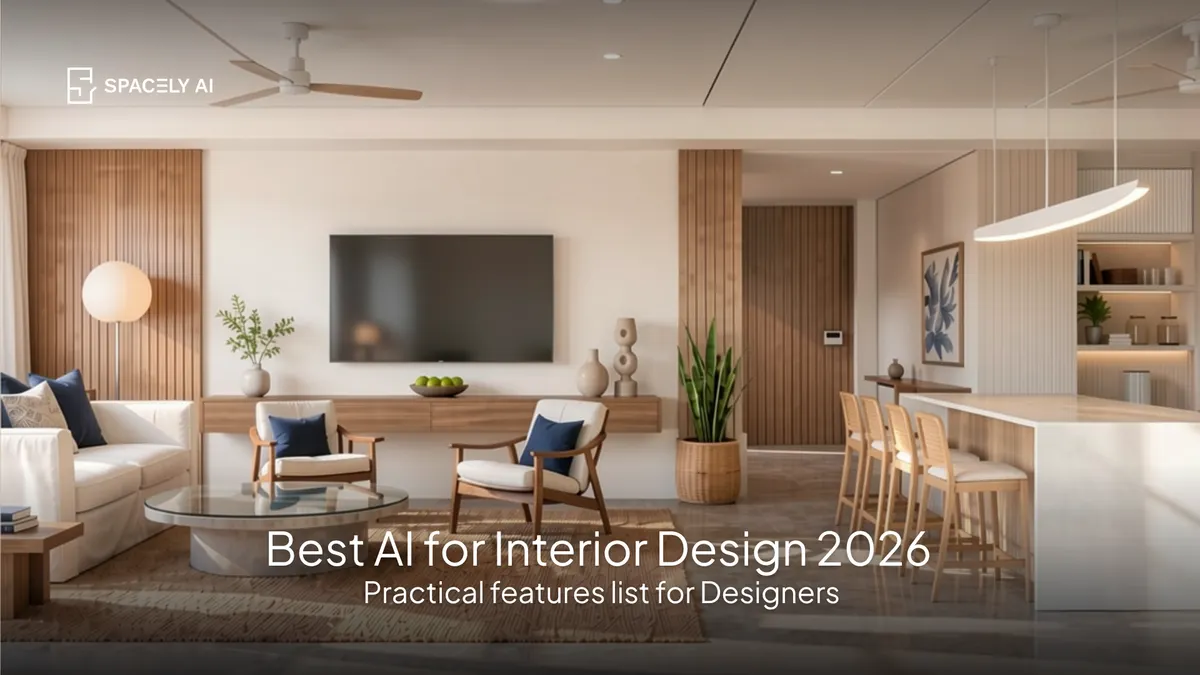
The best AI for interior design comes down to the features that matter: photorealistic visualization, restyling, and prompt-based editing. Here's what to look for.
The best AI for interior design depends on what you need it for, but the interior design platforms with the most robust AI features share a few things: they render photorealistic images from a photo or a model, let you restyle a room and edit it by describing changes, work room by room, and keep you in control of the design.
For most people like homeowners and designers, the highest-value AI feature is visualization: seeing a room in a new style, palette, or layout before committing to anything. That single capability is what turns "I think this might work" into "I can see that it does." Spacely AI is a generative AI platform for spatial design that restyles a room from a photo in about 60 seconds, with tools to change colors, add furniture, and edit by prompt.
Below: what to look for in an AI interior design platform, the features that matter most, and how to choose with the honest note that the best tool is the one whose features match what you actually need.
Robust, practical features, not a long list of gimmicks. The platforms worth using tend to offer the same core, genuinely useful features.
| Feature | What it does | Why it matters |
|---|
| Photorealistic visualization | Renders a room from a photo or model | See a design before committing |
| Restyle from a photo | Applies a new style to your actual room | Judge the look in your real space |
| Edit by prompt | Change colors, materials, furniture in words | No software skill needed |
| Room-by-room support | Works across every space | One tool for the whole home |
| Design control | Starts from your space, lets you refine | The result reflects your design |
| Speed | Renders in about 60 seconds | Iterate freely, not once |
A platform strong on these will serve you far better than one with a flashy feature you'll never use.
Which AI features matter most for interior design?
Visualization first, the rest supports it.
If you prioritize one thing, make it visualization: the ability to see a room restyled, recolored, or refurnished from a photo of your actual space. It's the feature that answers the real question, "what will this look like in my room?" and it's where AI adds the most value in interior design.
Around it, prompt-based editing matters because it makes changes accessible to anyone (describe it, don't master software), room-by-room support matters because a home isn't one space, and control matters because the output should reflect your design, not a generic one. S
peed ties it together: fast rendering means you explore many options rather than settling for the first.
How do you choose the right one?
Match the features to your needs, and try before you commit.
- For a homeowner, the priority is usually seeing styles and colors on your own room easily, so visualization and prompt-based editing matter most.
- For a designer, add control and speed, since you're iterating and presenting to clients.
Whatever your role, the test is the same: does the platform start from your actual space, produce results you'd act on, and let you refine? Most tools with a free tier let you try this quickly. Spacely AI's free plan includes trial credits, so you can judge the features on your own room before deciding.
The bottom line
The best AI for interior design in 2026 is the one whose features fit your needs — and for almost everyone, the feature that matters most is visualization: seeing a room restyled from a photo before committing.
Look for photorealistic rendering from your own space, prompt-based editing, room-by-room support, control, and speed. Spacely AI offers all of these and renders in about 60 seconds, but the right choice is whichever platform lets you see your design before you build it.
FAQ
What is the best AI for interior design? The one whose features match your needs, but for most people, the most valuable feature is visualization: seeing a room restyled, recolored, or refurnished from a photo of your actual space. Look for photorealistic rendering from your own room, prompt-based editing, room-by-room support, control, and speed. Spacely AI offers these and renders in about 60 seconds.
What AI features matter most for interior design? Visualization first by seeing a design on your real room. Then, prompt-based editing (change things by describing them), room-by-room support, control over the result, and speed. These practical features add far more value than a long list of gimmicks.
Is AI good for interior design? Yes, especially for visualization, trying styles, colors, and layouts on a photo of your actual room before spending. It doesn't replace a designer's expertise for complex projects, but it's excellent for exploring ideas, communicating a vision, and deciding what you like with confidence.
More design workflow insights on the Spacely AI blog →
Get started
→ Create your free account
→ Watch the full tutorial on YouTube
→ Explore the member plan
For more information and media inquiries, please contact
Website: spacely.ai
Facebook: facebook.com/spacelyai
Instagram: instagram.com/spacely.ai
Email: [email protected]