Discover Your Perfect Room Design with Spacely AI: Add Furniture to Your Room in 4 Easy Steps!
Nook Supakorn··2 min read
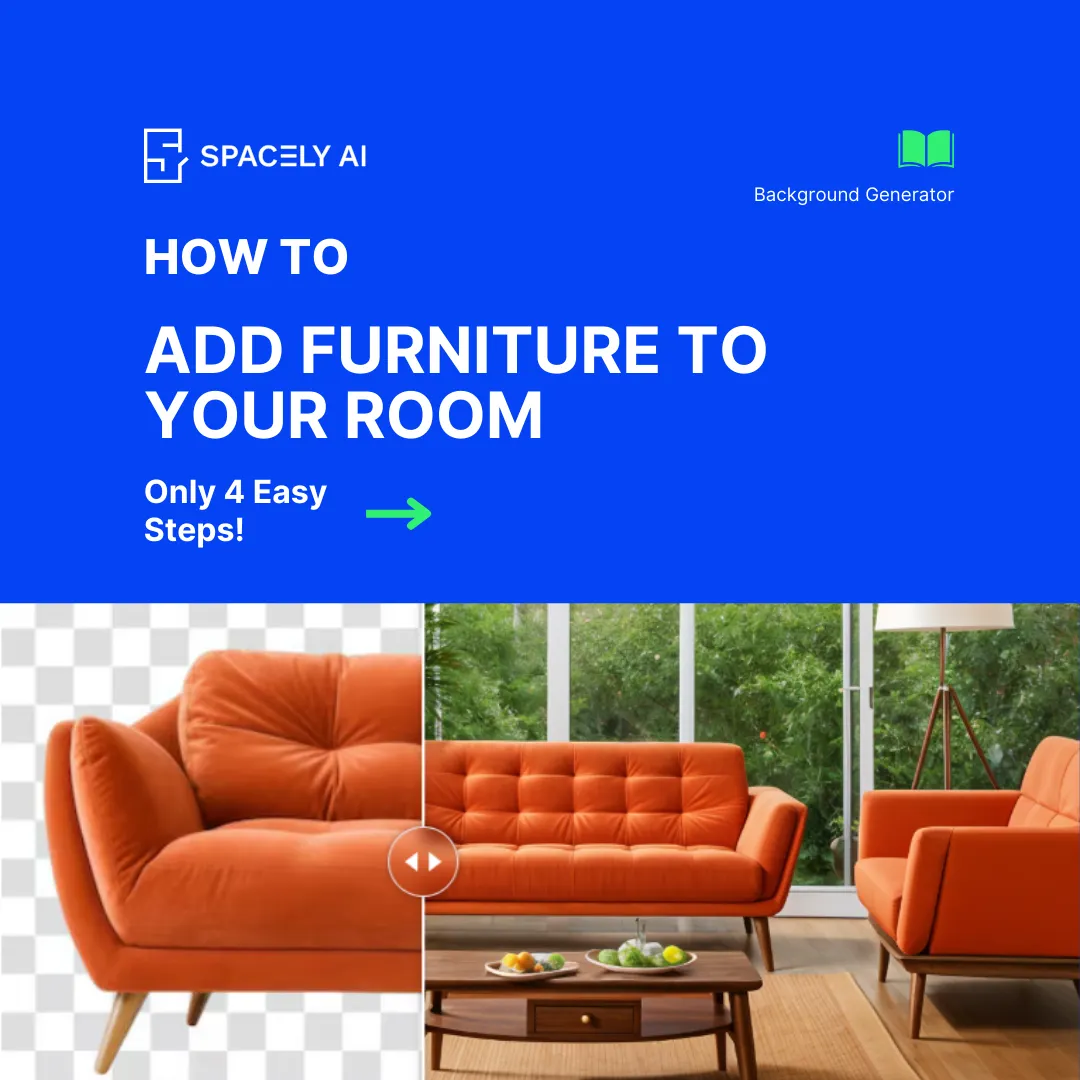
We are excited to unveil a fantastic new feature on Spacely AI that will revolutionize how you design and furnish your spaces. Now, you can effortlessly visualize and place furniture in your room based on the room type and style you select. Here’s how it works in just four simple steps:
Step 1: Add Your Furniture
Start by uploading a photo of your furniture.
Step 2: Describe Your Room
Using prompt, describe the setting of the room. Adding keywords like 'best quality' and 'masterpiece' is recommended for the best result.
Step 3: Add Image Dimensions
Specify the dimension of your image in pixels.
Step 4: Hit Generate
Generate and select the outcome of your choice.
With these four simple steps, Spacely AI will generate a beautifully furnished room tailored to your preferences and room type. It’s never been easier to find inspiration and plan the perfect layout for your space. Try it out today and bring your dream room to life!
Join Spacely AI in this exciting journey to redefine spatial design. Discover the transformative potential of the enterprise’s API solutions and become part of Spacely AI.
For more information and media inquiries, please contact:
The Spacely AI tutorial has been updated for the 2026 platform — now featuring Infinite Canvas, guided Workflows, and Project Folders. Learn how to create a can…
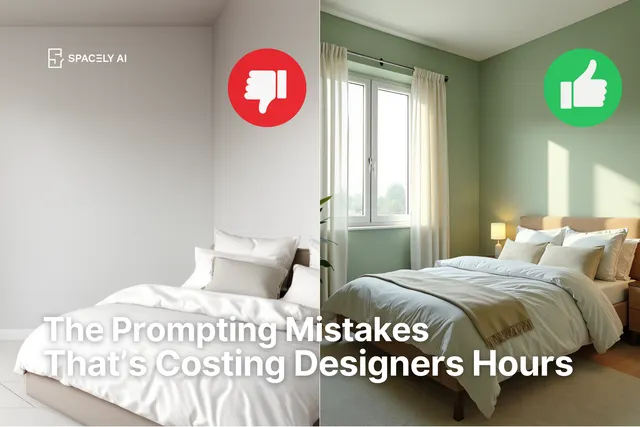
Tired of getting weird AI designs? Learn the 5 common prompt mistakes and how to fix them with a simple formula. Get better, faster results from Spacely AI and…
Today, we’re diving into a common scenario many of our users face: adding decorations or adjusting furniture in a design that already has furnishings. Whether y…