Introducing our latest Spacely AI feature: Remove All Furniture. With one click, you can clear any room image, perfect for redesigns or property sales. Try it today!
Nook Supakorn··1 min read
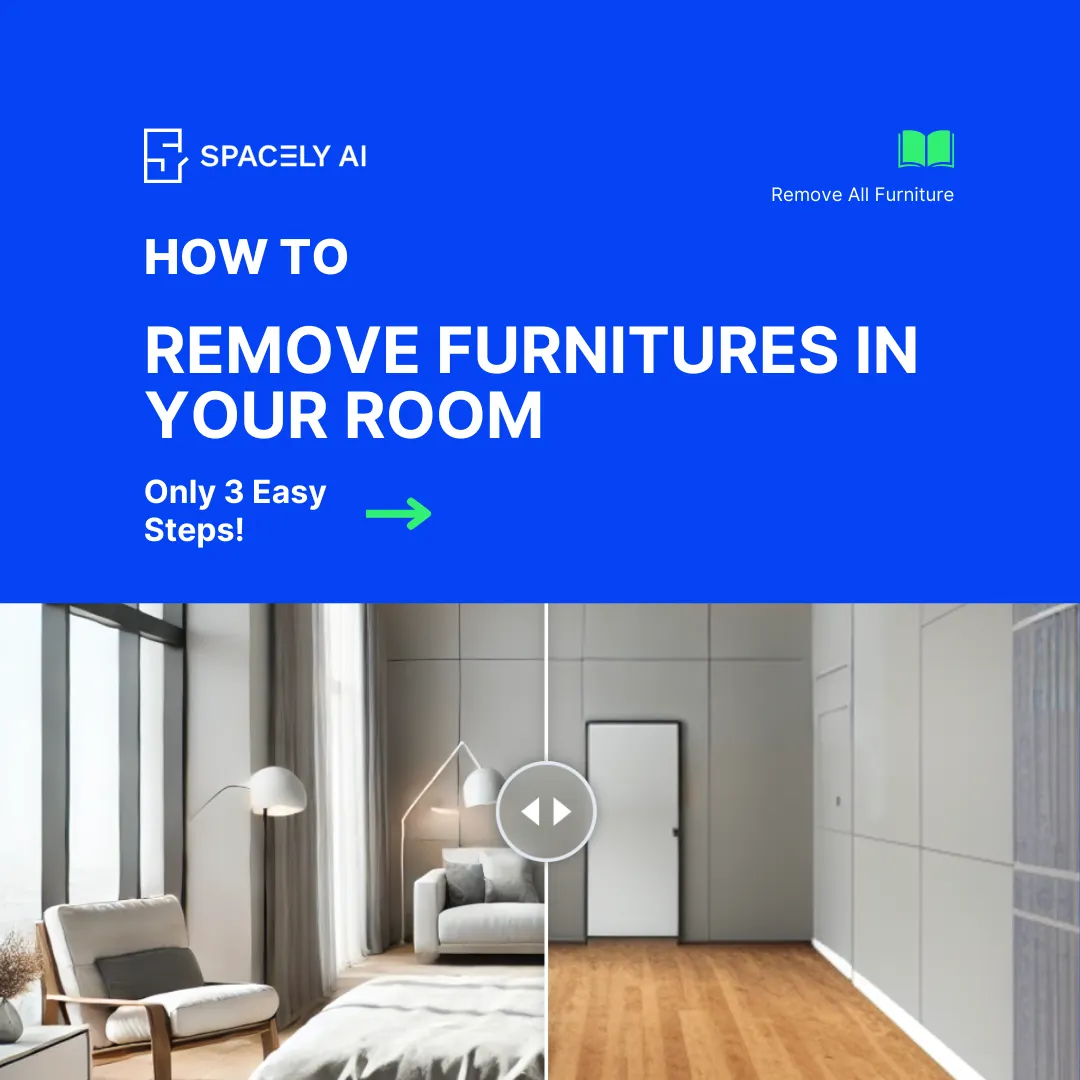
We are thrilled to introduce our latest Spacely AI feature: Remove All Furniture. Now, you can remove all furniture from any room image with a single click.
🖍️ How It Works
Upload Your Image: Simply upload a photo of the room you want to edit.
Click Generate: Hit the generate button, and our advanced AI technology will instantly remove all furniture from the image.
Repeat: Continue with steps 1 and 2 until you achieve your desired outcome.
Boom!!
Watch the tutorial video here :
0:00
/0:40
This new feature is perfect for those looking to visualize an empty room, whether for planning a redesign, selling a property, or just exploring new possibilities.
Try it out today and experience the future of interior design with Spacely AI!
For further questions or support, feel free to contact us at [email protected] Happy designing!
Join Spacely AI in this exciting journey to redefine spatial design. Discover the transformative potential of the enterprise’s API solutions and become part of Spacely AI.
For more information and media inquiries, please contact:
The Spacely AI tutorial has been updated for the 2026 platform — now featuring Infinite Canvas, guided Workflows, and Project Folders. Learn how to create a can…
Tired of getting weird AI designs? Learn the 5 common prompt mistakes and how to fix them with a simple formula. Get better, faster results from Spacely AI and…
Today, we’re diving into a common scenario many of our users face: adding decorations or adjusting furniture in a design that already has furnishings. Whether y…