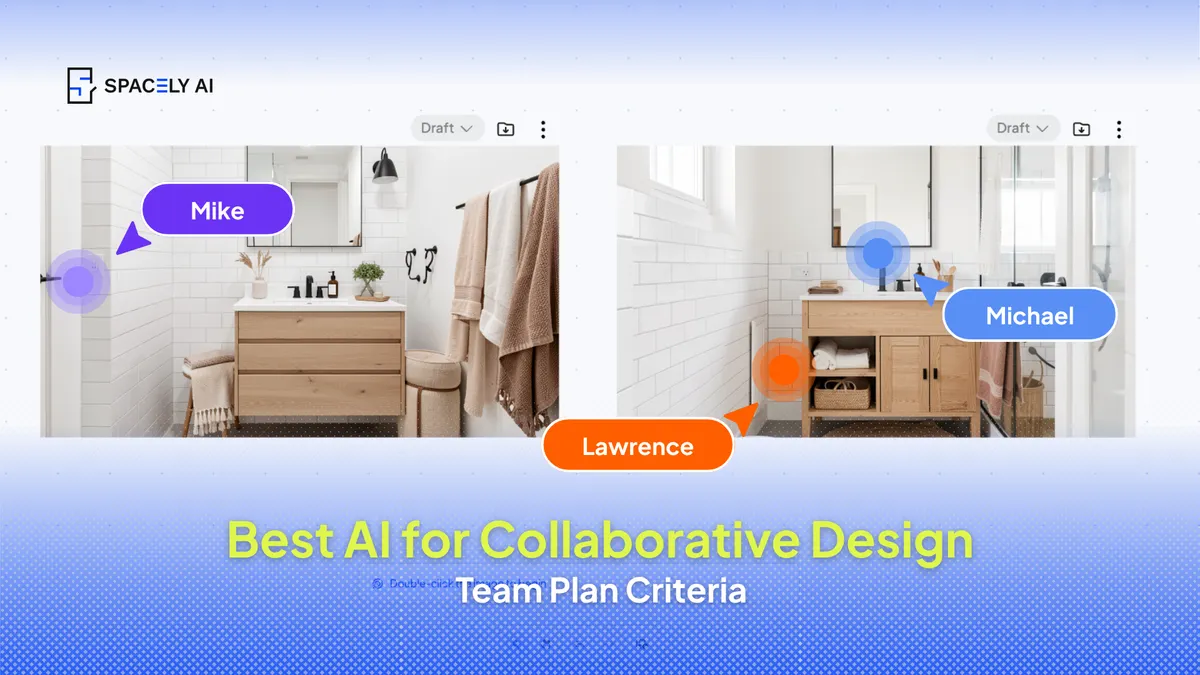
The best AI for collaborative design work isn't the flashiest model, it's the one that fits how a team works. Here are the criteria that matter, and where Spacely AI Team fits.
For a solo designer, raw capability is enough; for a team, what matters is whether several people can work from the same projects, apply the same styles, keep output consistent, and hand off cleanly. So the way to choose isn't to compare model quality alone — it's to judge AI on a short list of collaboration criteria: shared projects and files, shared presets and materials, defined roles, consistent results across people, and a workflow that fits the tools you already use.
Below are the criteria that matter for team work, why fit beats raw power, and where Spacely AI's Team plan fits. Judge any option against the same list, it applies whatever you're considering.
What should teams look for in collaborative AI?
Judge it on how well several people can work as one. The criteria that separate team-ready AI from single-user AI are practical, not flashy.
| Criterion | Why it matters for a team |
|---|
| Shared projects & files | Everyone works from the same current version, not scattered copies |
| Shared presets & materials | Output stays consistent regardless of who made it |
| Defined roles | Owners, admins, and members with the right access |
| Consistent results | The team's work looks like one studio's, not several |
| Workflow fit | Runs inside the tools the team already uses |
| A shared library | Prompts and assets are reused, not rebuilt |
An option that scores well here will serve a team far better than a more powerful tool that everyone uses in isolation.
Why does fit matter more than the model?
Because a powerful tool used ten different ways produces ten different results.
The failure mode for teams isn't a weak model — it's fragmentation. When each designer works in their own space with their own settings, output drifts, work gets duplicated, and nobody's sure which version is current.
Collaborative AI solves that by centralizing the work: shared projects so there's one source of truth, shared presets so the style is consistent, and roles so the right people have the right access. The model's quality still matters, but it's the collaboration layer that determines whether a team gets faster or just louder.
How does Spacely AI's Team plan fit?
It's built around the criteria above. Spacely AI's Team plan gives a team shared projects, shared presets and materials, and roles, so several designers work from the same files and produce consistent output.
Prompts and assets live in a shared library rather than on individual accounts, and the whole thing runs alongside the tools teams already use. The point isn't to add another disconnected app. It's to give a team one place to design together, so the work stays consistent as the team grows. As with any tool, judge it against your own criteria, but that's the collaboration layer it's designed to provide.
For collaborative design work, choose AI by fit, not flash: shared projects, shared presets and materials, defined roles, consistent output, and a workflow that suits your existing tools. Those are what turn several designers into one coordinated team. Spacely AI's Team plan is built around exactly this, but the criteria matter most, so apply them to whatever you're weighing up.
FAQ
What makes an AI tool good for team collaboration? Shared projects and files so everyone works from one version, shared presets and materials for consistent output, defined roles, results that look like one studio's, and a workflow that fits the tools the team already uses. Raw model quality matters less than this collaboration layer.
Why isn't the most powerful AI automatically the best for teams? Because power used in isolation leads to fragmentation — drifting output, duplicated work, and version confusion. A team benefits more from shared projects, presets, and roles that keep everyone coordinated than from a stronger model everyone uses their own way.
How does Spacely AI support collaborative work? Its Team plan provides shared projects, shared presets and materials, roles, and a shared library of prompts and assets, so several designers work from the same files and produce consistent results. Verify the current feature set on the Spacely AI site.
More design workflow insights on the Spacely AI blog →
Get started
→ Create your free account
→ Watch the full tutorial on YouTube
→ Explore the member plan
For more information and media inquiries, please contact
Website: spacely.ai
Facebook: facebook.com/spacelyai
Instagram: instagram.com/spacely.ai
Email: [email protected]