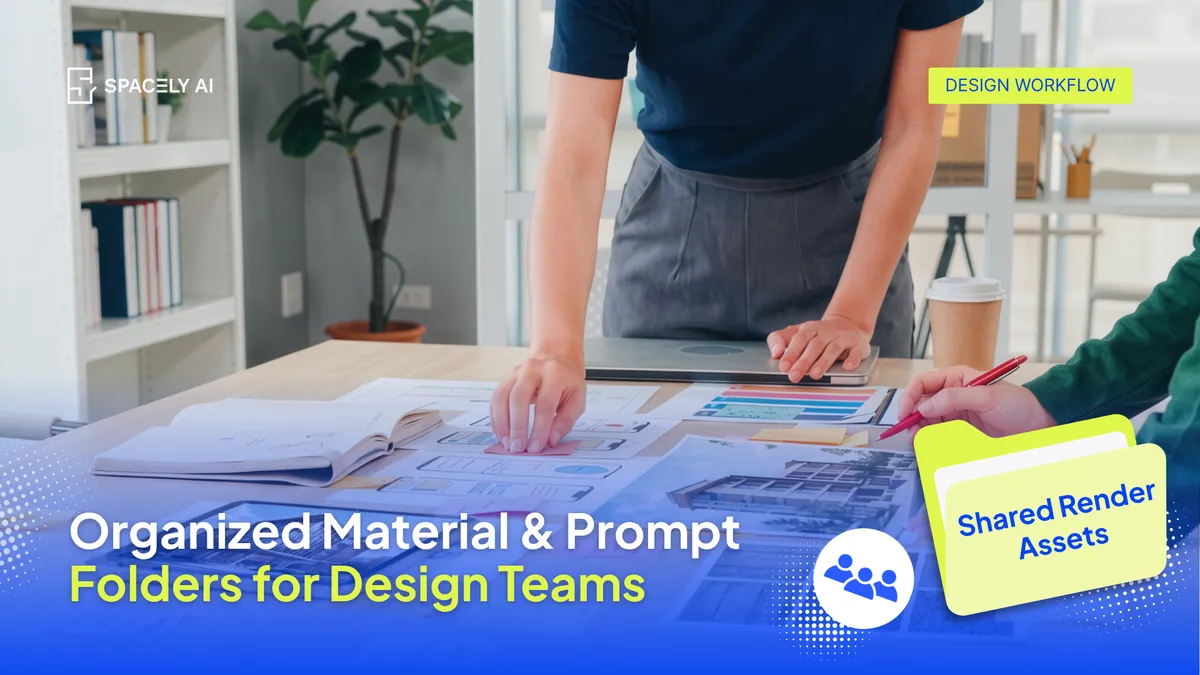
On most teams, saved materials and prompts are scattered and personal. Here's how Spacely AI's Team plan gives everyone shared, organized material and prompt folders.
One designer keeps a material board on their own account; another has a handful of go-to prompts saved somewhere only they can reach; a third rebuilds the same palette from scratch because they didn't know it already existed. Nothing is shared, nothing is organized, and the result is duplicated effort, inconsistent output, and time lost hunting for "that material" or "the prompt that actually worked."
Spacely AI's Team plan changes that by giving the whole team shared, organized material folders and prompt folders in one place — so instead of everyone maintaining their own scattered collection, the team builds and draws from a single, reusable library. A material saved by one person is available to all; a prompt that nails the studio's style becomes a shared asset rather than a private one.
Why do materials and prompts get scattered on a team?
Because, by default, everything is saved personally, not for the team. When each designer works in their own space, their saved materials and prompts live with them. There's no shared home, so nothing gets pooled.
Three problems follow.
- First, duplication — people recreate materials and prompts that a colleague already made.
- Second, inconsistency — everyone's personal collection is slightly different, so output drifts and nothing looks like it came from one studio.
- Third, lost time and knowledge — when the person who saved "the good prompt" is out, or leaves, that knowledge goes with them.
None of this is anyone's fault; it's just what happens without a shared, organized place to keep things.
How does organizing them in shared folders help?
One library, used by everyone, that keeps getting better.
Shared, organized folders turn scattered personal collections into a team resource. Materials the studio uses live in shared material folders; the prompts that work live in shared prompt folders; and everyone pulls from the same place. That does three things at once: it removes duplication, because you check the shared library before rebuilding; it keeps output consistent, because everyone's working from the same materials and prompts; and it preserves the team's knowledge, because it lives in the shared library rather than in one person's head. Spacely AI's Team plan is built around exactly this — shared, organized folders for the assets a team reuses most.
What changes with shared folders?
| Before (scattered) |
After (shared, organized folders) |
| Materials saved on personal accounts |
One shared material library the team draws from |
| Go-to prompts known only to one person |
Shared prompt folders everyone can use |
| The same palette rebuilt repeatedly |
Save once, reuse across the team |
| Output drifts between designers |
Consistent, because the source is shared |
| Knowledge leaves when a person does |
Knowledge stays in the shared library |
What does it look like day to day?
Less hunting, less rebuilding, more designing.
In practice: a designer opens the shared material folder, finds the studio's approved finishes, and applies them — no rebuilding. They reach for a proven prompt in the shared prompt folder instead of writing one from scratch. When they create something worth keeping, they add it to the shared library so the next person benefits. And a new team member gets productive faster, because the studio's materials and prompts are right there to learn from rather than scattered across accounts they can't see. The organizing isn't busywork, it's what lets a team move quickly and stay consistent at the same time.
FAQ
Why do design teams end up with scattered materials and prompts?
Because, by default, people save them personally — on their own accounts, with no shared home. That leads to duplicated work, inconsistent output between designers, and knowledge that disappears when someone is away or leaves. A shared, organized library solves all three.
How does Spacely AI's Team plan organize materials and prompts?
It gives the whole team shared material folders and prompt folders in one place. Materials and prompts saved by one person are available to everyone, so the team builds and draws from a single organized library instead of scattered personal collections.
How does a shared library keep output consistent?
When everyone applies the same materials and reuses the same proven prompts, renders look like they came from one studio rather than several. The shared library becomes the studio's single source of style, which is what keeps a growing team's output cohesive.
More design workflow insights on the Spacely AI blog →
Get started
→ Create your free account
→ Watch the full tutorial on YouTube
→ Explore the member plan
For more information and media inquiries, please contact
Website: spacely.ai
Facebook: facebook.com/spacelyai
Instagram: instagram.com/spacely.ai
Email: [email protected]