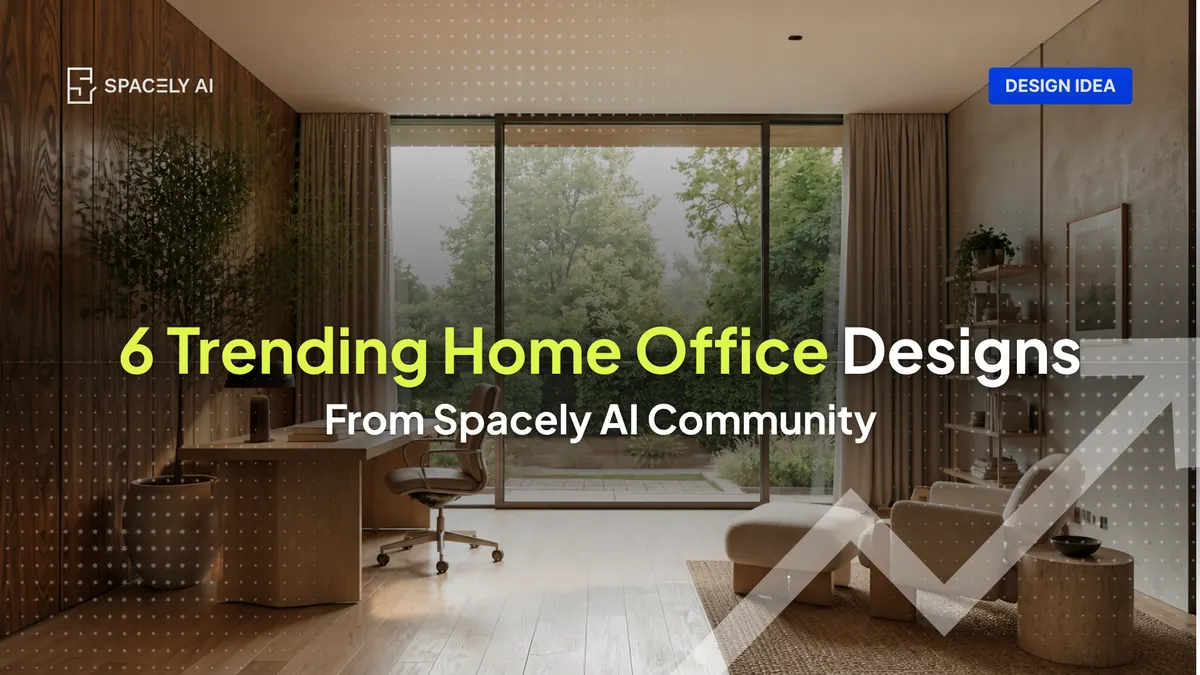
The best home office idea is the one you've seen in your own room before you commit to it and with remote work now a permanent fixture, it's worth getting right.
Remote and hybrid work have settled as a permanent part of how people work; and that means the room you're designing in is no longer a temporary setup. It's part of your daily routine. How the space is designed affects how it feels to work in, and a few deliberate choices go further than a full renovation.
Below are ten home office ideas drawn from the styles Spacely AI users are generating most right now — modern, minimalist, contemporary, mid-century modern, rustic Scandinavian, soft modern, and industrial modern — plus a few functional setups built around how people actually work. Each comes with a ready-to-use prompt, so you can test it on a photo of your actual room in Spacely AI rather than guessing.
Why is it worth designing your home office carefully?
Because you're spending real hours there, and the room is working on you while you work.
Remote and hybrid schedules have become the majority arrangement for people whose jobs can be done from home. The home office isn't a temporary corner anymore, it's where the work actually happens. And the design choices you make in it have a measurable effect: natural light, greenery, and natural materials are consistently linked to better focus and wellbeing, yet a significant number of people work in spaces with no natural light at all. Color matters too; blue and green accents have been associated with higher productivity in workspace research.
None of this requires a renovation. It requires a few deliberate choices, which is exactly what you can preview before spending anything.
Which home office styles are trending right now?
Here are the styles our users reached for most this month. We set aside generic tags like "custom" and "interior" to show the actual named styles.
| Rank |
Style |
| 1 |
Modern |
| 2 |
Minimalist |
| 3 |
Contemporary |
| 4 |
Mid-century modern |
| 5 |
Rustic Scandinavian |
| 6 |
Soft modern |
| 7 |
Industrial modern |
Worth noting: a sizable group generated offices from their own custom prompts rather than a preset style — people are adapting these looks to their own rooms, not copying them wholesale.
6 home office ideas to visualize on your space
Each idea below is written so you can render it. Copy the prompt, apply it to a photo of your room, and adjust from there.
Built from the styles our users generate most
1. Modern desk setup
Clean lines, a neutral palette, and a clear surface — the most-generated look, and the easiest to keep focused.
Prompt: "modern home office, clean white desk, warm grey walls, oak floor, soft daylight from the left, eye-level interior photography."
2. Warm minimalist
Less on the desk, more room to think. Low-clutter workspaces are consistently linked to better focus.
Prompt: "minimalist home office, floating desk, off-white walls, single shelf, one plant, bright diffused daylight, uncluttered."
3. Mid-century modern
Walnut, tapered legs, and a warm retro palette for a study that feels considered rather than corporate.
Prompt: "mid-century modern home office, walnut desk, tapered legs, mustard chair, warm daylight."
4. Rustic Scandinavian
Light woods, natural texture, and plenty of daylight — a calm, nature-leaning look that suits long working hours.
Prompt: "rustic scandinavian home office, light oak desk, linen chair, woven rug, large window, bright natural light."
5. Soft modern
Modern with the edges rounded — muted tones, a curved desk or chair, tactile fabrics.
Prompt: "soft modern home office, curved desk, warm beige palette, boucle chair, gentle afternoon light."
6. Industrial modern
Raw materials and darker tones for a focused, grounded feel — exposed brick, black metal, wood.
Prompt: "industrial modern home office, black metal desk, exposed brick wall, wood shelving, moody directional light."
Which home office style fits your space?
| If you… |
Try |
| Want calm, focused hours |
Biophilic nook, warm minimalist |
| Have no spare room |
Cloffice, broken-plan corner |
| Want warmth without clutter |
Rustic Scandinavian, soft modern |
| Want energy and focus |
Contemporary with a blue or green wall |
| Want character |
Mid-century modern, industrial modern |
Render two or three on a photo of your own room, set them side by side, and the one that fits your space and your working day usually becomes obvious.
You're going to spend real hours in your home office, so it's worth designing on purpose. Natural light, greenery, low clutter, and the right accent color support focus and wellbeing. Pick a few of these ideas, test them on a photo of your actual room, and keep the one that makes the workday feel better. Seeing it in your own space beats guessing from someone else's.
FAQ
What's the best home office setup for productivity?
A few choices consistently come up in workspace design: maximize natural light, add greenery and natural materials, keep the desk low-clutter, and consider a blue or green accent color. You don't have to guess how they'll look — test them on a photo of your own room in Spacely AI first.
How can I design a home office in a small space?
Two approaches work well: a dedicated space that converts a closet into a closable workspace, or a broken-plan corner where a rug and a low shelf define a work zone within a larger room. Visualize either on a photo of your space before buying anything, so you know the layout fits.
How do I see a home office idea in my own room before buying?
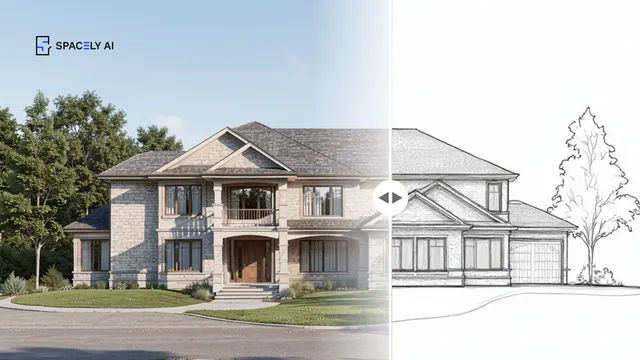
Upload a photo of your room to Spacely AI and apply the style you're considering. It restyles your actual space, same layout with same window, so you're judging your room rather than a stock image.
More design insights on the Spacely AI blog →
Get started
→ Create your free account
→ Watch the full tutorial on YouTube
→ Explore the member plan
For more information and media inquiries, please contact
Website: spacely.ai
Facebook: facebook.com/spacelyai
Instagram: instagram.com/spacely.ai
Email: [email protected]